Share a Wi-Fi password or login securely
A Wi-Fi password for guests or a login for your sister should arrive, but not stay in a chat forever. In Vanish you write it as a note and send it sealed.
How it works
- In the camera, pick the Note mode at the bottom and press the shutter. Only the editor opens; nothing is recorded.
- Type in the password or login.
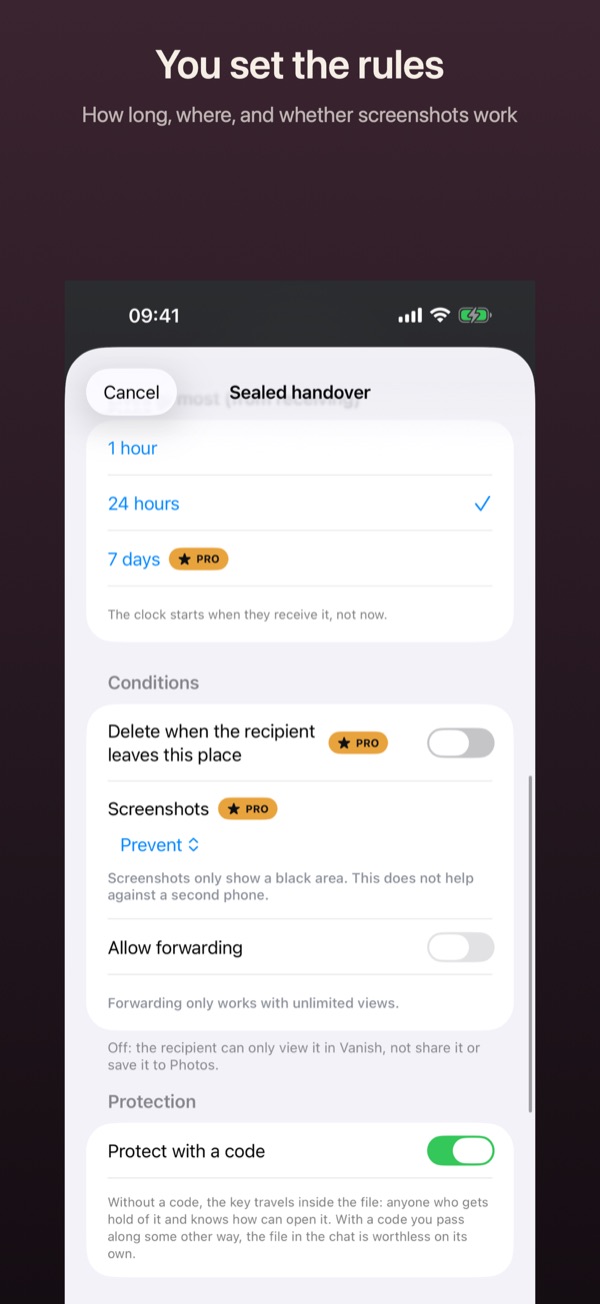
- Under Delete after, choose how long the note stays on your phone.
- Tap Save and seal.
- Leave Views at 1, set a deadline under Open until and tap Create file. Pass the code on another way.
Good to know
- Creating and sealing notes is free. Times beyond 24 hours and more than one view need Pro.
- With Pro you can have the handover deleted when the recipient leaves a place. “Open only at one place” does not exist.
- In the vault, a note shows only a lock, not its content.