Send only some pages of a PDF
Often someone only needs two pages of a long PDF, like a lease or a statement. In Vanish you split those pages out and send only them.
How it works
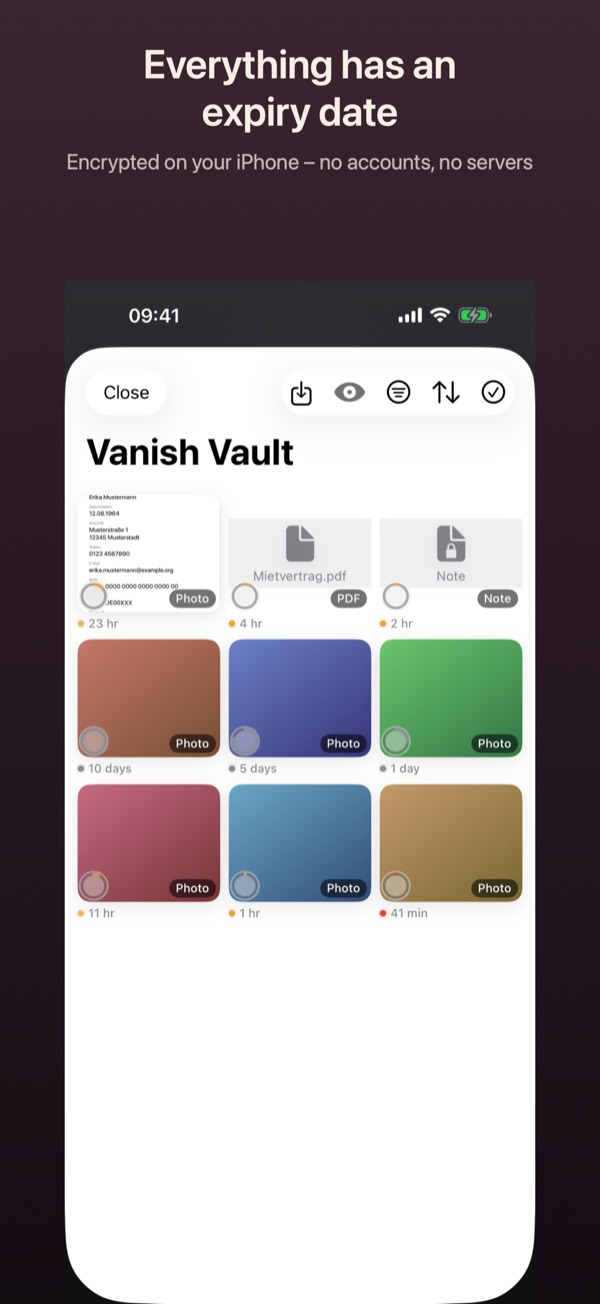
- Open the vault (the grid button at the bottom left of the camera). Tap Import at the top right, then From Files. Or share the PDF from the Files app straight to Vanish.
- Open the PDF in the vault, tap “…” at the top right, then Split pages.
- Tap the pages that should go into the new PDF, then Save as new PDF.
- Optional: in the new PDF, use “…” › Black out to cover an account number or address.
- Open the new PDF, tap “…” › Send › Send sealed, set the deadline and views, and tap Create file.
Good to know
- Importing, splitting pages and blacking out are free.
- Sending a PDF sealed that wasn’t created in Vanish is Pro.
- The new PDF keeps the same remaining time as the original in the vault.
- You can select several photos of pages in the vault and turn them into one PDF with Combine as PDF.