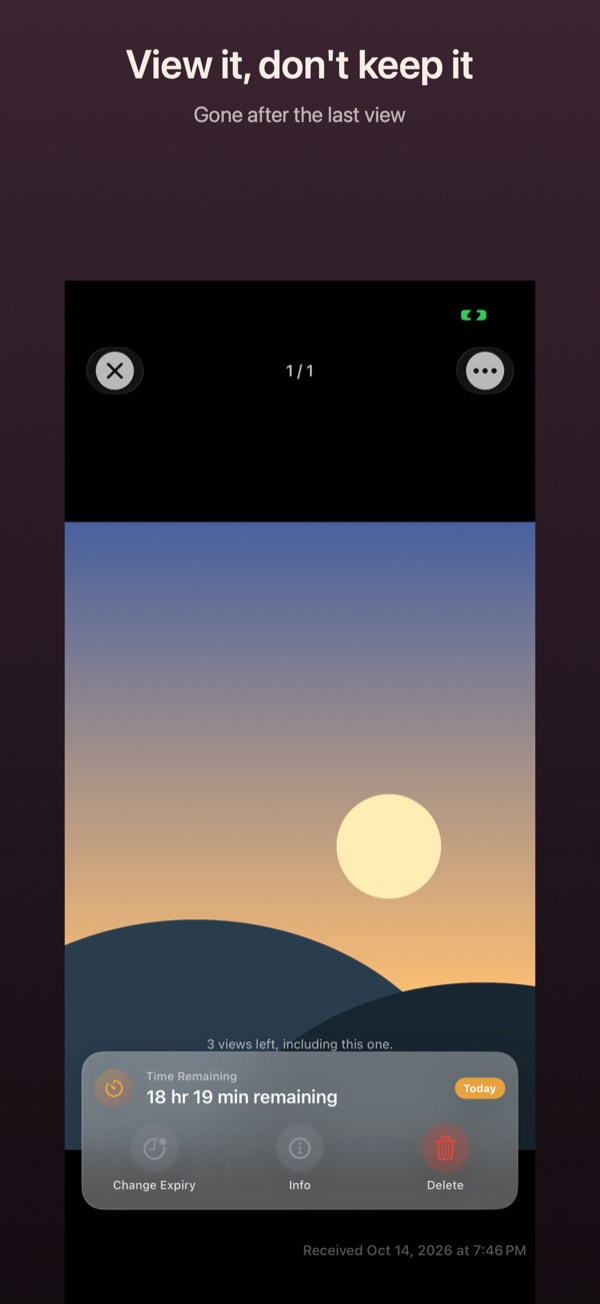
Open a .vanish file
A .vanish file is an encrypted handover. You open it with the Vanish app on an iPhone or iPad. It is free and needs no account.
How it works
- Get Vanish from the App Store if you don’t have it yet.
- Tap the .vanish file in Messages, Mail, WhatsApp, Files or after AirDrop. It opens in Vanish.
- Vanish shows Sealed delivery. Tap View.
- If the file is protected with a code, type it into Enter code. The sender gave you the code another way, for example in person or on a call.
- The content opens. At the bottom it says when you received it. Vanish shows how many more times you can view it, for example “Visible once only.”
Good to know
- Receiving is always free, even if the sender chose Pro conditions.
- No iPhone or iPad? Open the file in your browser instead. You need the code, and the file stays on your device.
- “This handoff has expired.” means the sender’s deadline has passed. Ask them to send it again.
- “That code is not right.” Check the groups of four characters, and ask the sender if you are unsure.
- If the handover is tied to a place, Vanish needs “Location: Always”. Otherwise it won’t open it.
- Sharing, exporting and copying are blocked unless the sender allowed it.