Delete a photo when you leave a place
Your hotel room number or the code at the office door only matter while you are there. Vanish can delete photos like that as soon as you leave.
How it works
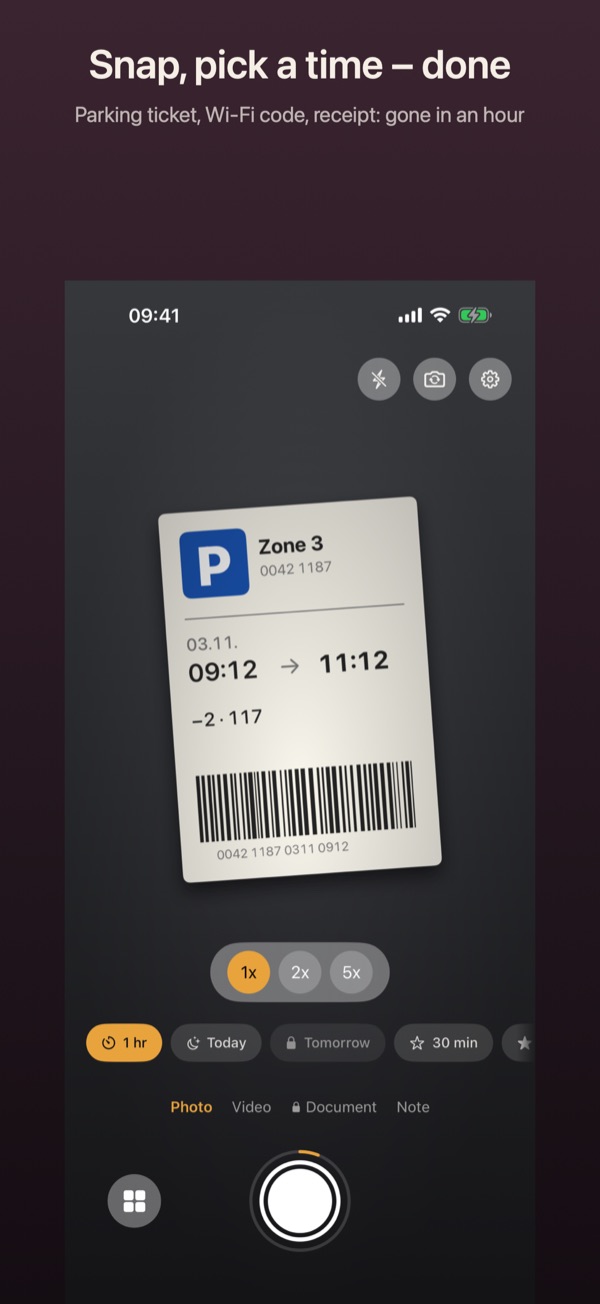
- In the camera, press and hold a time above the shutter, for example 1 hr. The editor for that time opens.
- Under Conditions, turn on When I leave this place and pick the Radius: 100, 250 or 500 metres.
- Allow Vanish to use your location “Always”. Without it the switch stays off.
- Tap Save. The time now shows a place symbol.
- Take the photo with that time. Where you took it becomes the centre of the circle. When you leave it, Vanish deletes the photo and lets you know.
Good to know
- Place conditions are Pro.
- Whatever happens first counts: the time running out or you leaving the place.
- Deletion happens shortly after you leave, not to the metre. iOS watches at most 20 places at once.
- For a photo you already took, use “…” › Change conditions. The place is then where you are right now.